← Created

Naval Zone

A real-time, two-player Battleship you play from a link. No login, no profiles, no matchmaking: one player creates a room, shares the code, and the match begins.

Play at naval.zone · Web game · React and Supabase

Timeline

  1. It plays on phones

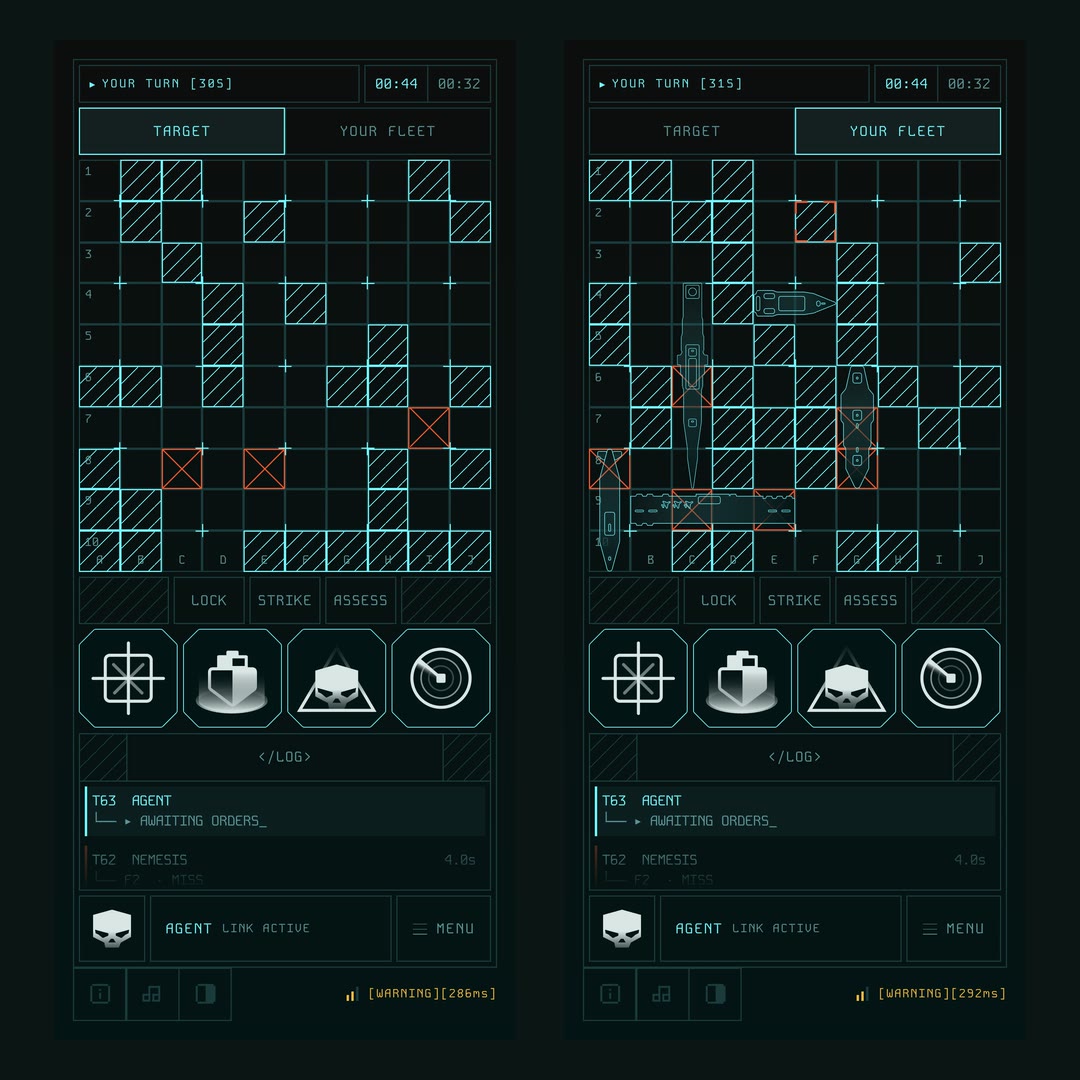
    Two phone screens mid-battle: the target grid on the left, the player's own fleet on the right, each with the uplinks and log below.

    Every screen now has a phone layout, so the MOBILE ACCESS DENIED notice is gone. Battle splits into Target and Your Fleet tabs, and when the enemy fires the fleet stays up long enough to see where the shot landed. A phone woken from sleep checks its link and rejoins the room on its own.
  2. Rules and audio

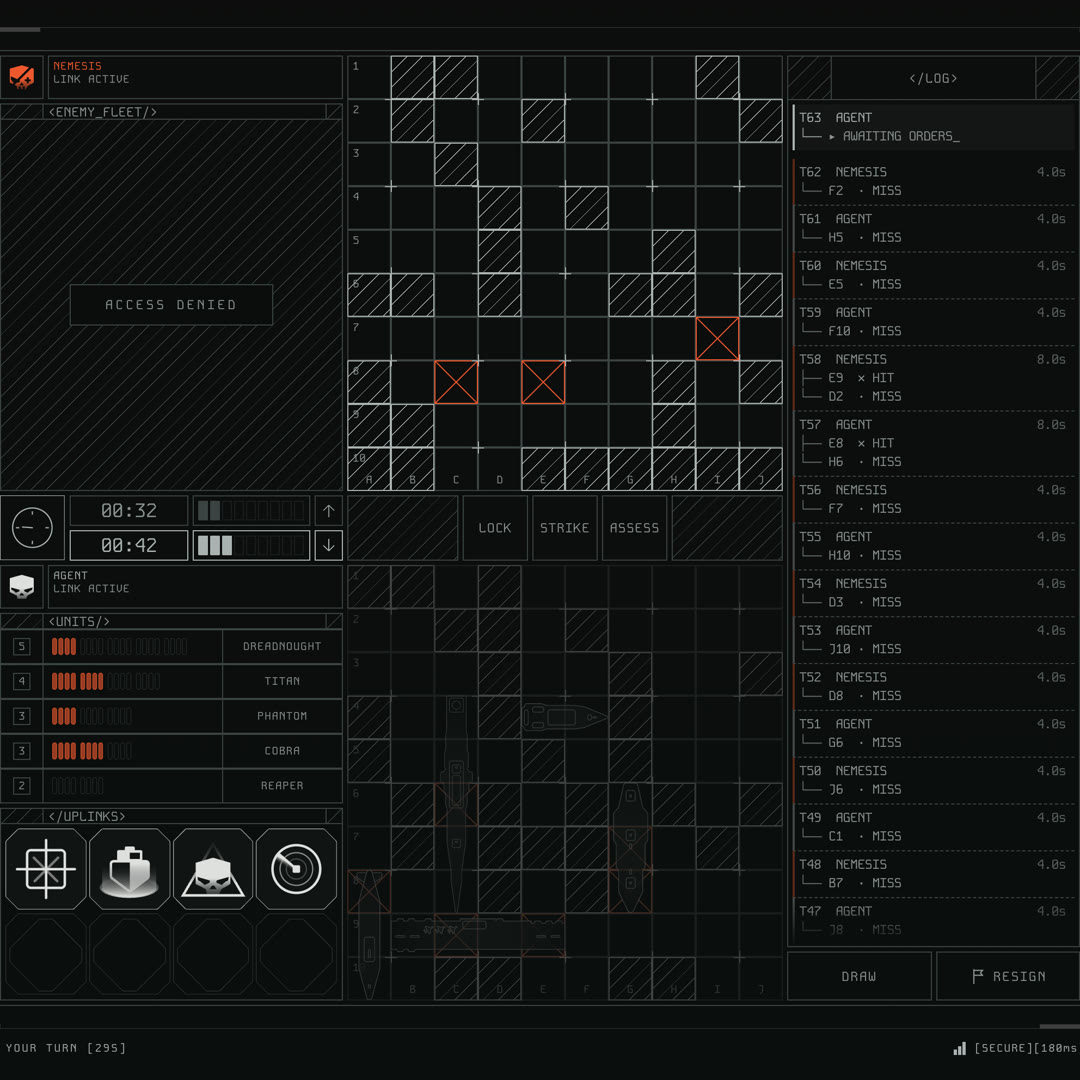
    INFO opens a tabbed panel with an illustrated rules guide: the goal, the fleet, a turn, the uplinks and the clock, each as a small diagram. Every number in it comes from the game's own constants. Sound gets a panel too, with separate music and effects levels, and the moves that used to be silent now make a noise.

  3. Eight themes

    The console now comes in eight themes, picked from a panel in the dock: six dark and two light, with VOID taking over from MONO. Each one is only a set of colour tokens, so the screen underneath never changes. Click the shot or pick a swatch to compare them.

  4. The uplinks, reworked

    All four power-ups get sharper rules. A Radar Scan leaves a box on the board that counts down as its tiles are hit, Shield hides a deflected hit from the attacker, Rapid's salvo ends the turn, and Ghost can move any ship still afloat. Every ability now shares one dotted yellow mark.

  5. A MONO theme

    The battle screen in the MONO theme: the whole console in cold grey, with only hits in red.

    A second look for the console: cold grey everywhere, so the only colour left on screen is red, and red always means damage.

  6. The match debrief

    The result screen becomes a debrief: the sunk fleet rises in 3D inside a wireframe cube, next to side-by-side stats and the full log. It reads the same on a win or a loss.

  7. A turn-by-turn log

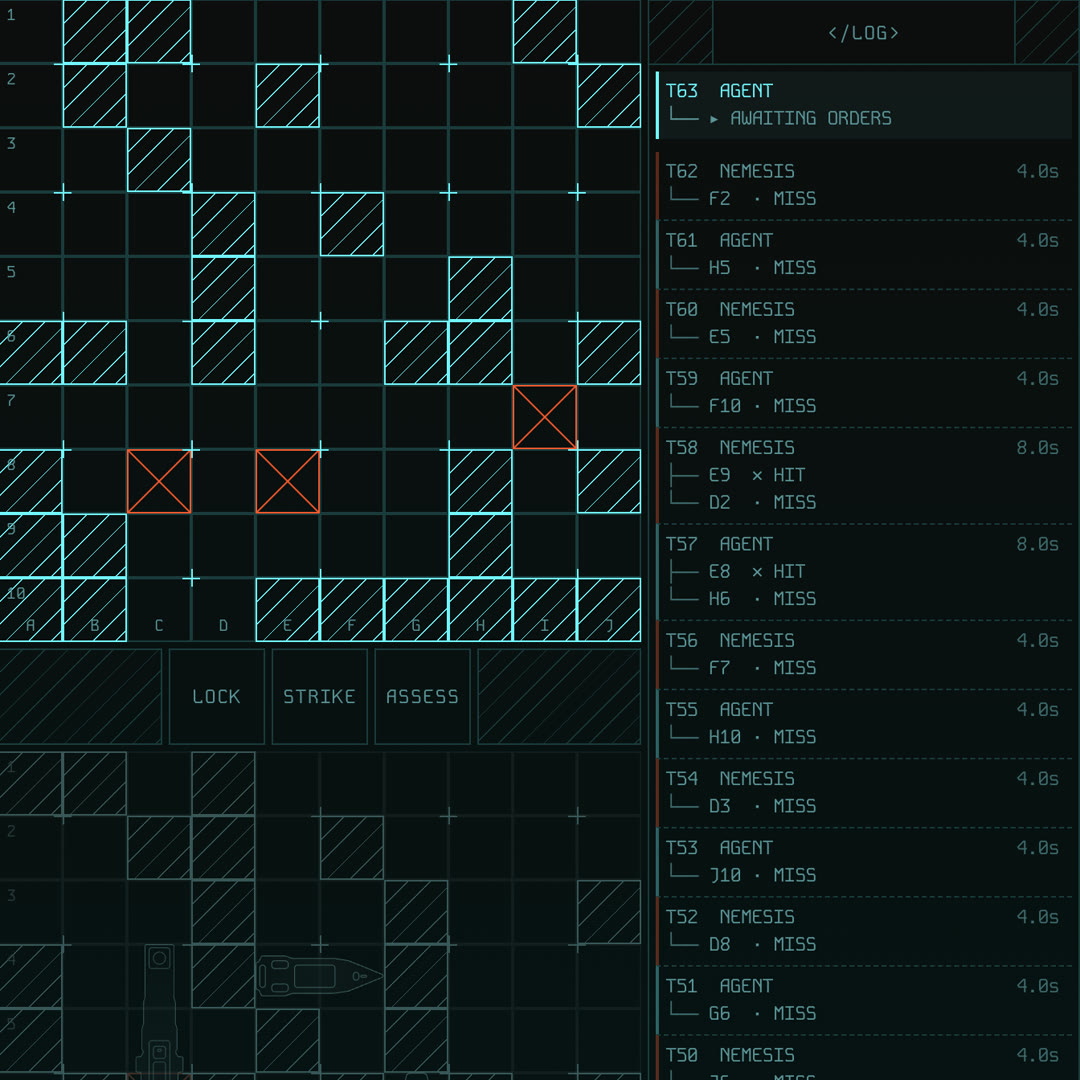
    The target grid beside the combat log, each turn listed as a small tree of shots and results.

    The combat log is now a tree: one branch per turn, every shot under it, and the last move flashes. It takes the whole right column.

  8. Play the computer

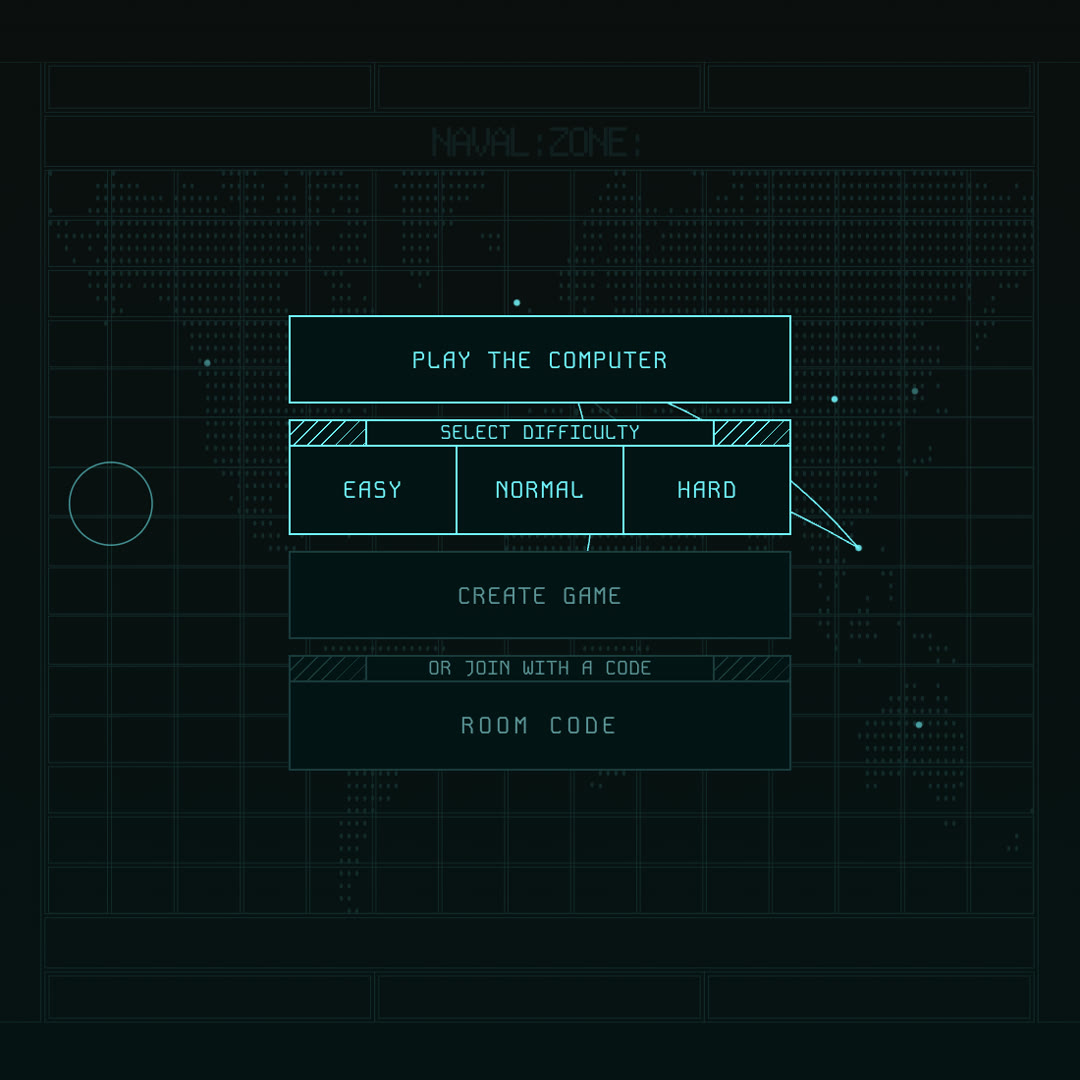
    The home screen with Play the Computer open, offering Easy, Normal and Hard.

    No one to play? Pick Easy, Normal or Hard and play the computer right in the tab. It plays fair: it only knows what its own shots have told it.

  9. Fair starts, steady links

    A coin flip decides who opens, and each rematch hands the first shot to the other player. If someone's connection drops, both clocks pause; if they don't come back, they forfeit. Under the hood, every move is now a small pure function, and the database guards who sits in a room.

  10. Writing it up

    I wrote up how Naval Zone works and what the hard parts were: shot ownership, the database as the single source of truth, and rooms sealed with anonymous auth. Read it on em97.blog.

  11. It has a soundtrack

    Music that follows the phase of the match, with glitch transitions between lobby, placement and battle, and a shared audio engine for the sound effects on every shot, hit and sink.

  12. A hit keeps your turn

    One rule change: a hit now keeps your turn, and only a miss hands it over.

  13. It gets a name

    The game becomes Naval Zone, with its own domain at naval.zone, new ship artwork for the icon and an updated intro map. Colour contrast now passes WCAG AA, and narrow screens get a MOBILE ACCESS DENIED notice for now.

  14. Sealed rooms

    Every player signs in anonymously and silently, and that identity is what row-level security keys off, so only the two people in a room can write to it. Stale rooms expire, and the footer becomes a live connection indicator.

  15. One source of truth

    The full game state now lives in a single database column, and the opponent syncs off that one stream of updates, so a move can never be applied twice. Clocks stop drifting between devices, rematches work, resigning forfeits properly, and the game logic gets a test suite.

  16. The results screen

    The end of a match: an isometric recap of the final board, with hits, misses, accuracy, ships destroyed, the longest streak, and the fastest and slowest turn.

  17. Power-ups and a blitz clock

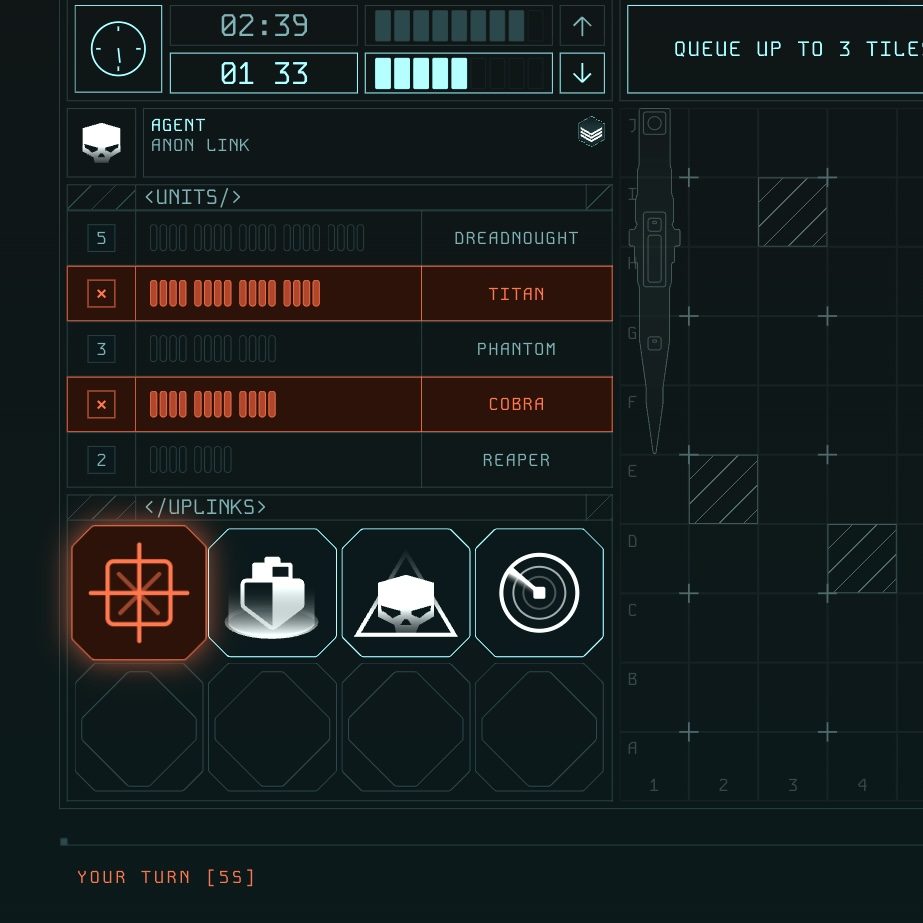
    The fleet roster with damaged ships highlighted, above four power-up buttons and the match clocks.

    Four power-ups, Rapid, Shield, Ghost and Radar Scan, and a 3+2 blitz clock where running out of time loses the match. Damage now shows on the board and in the fleet roster.

  18. The battle screen

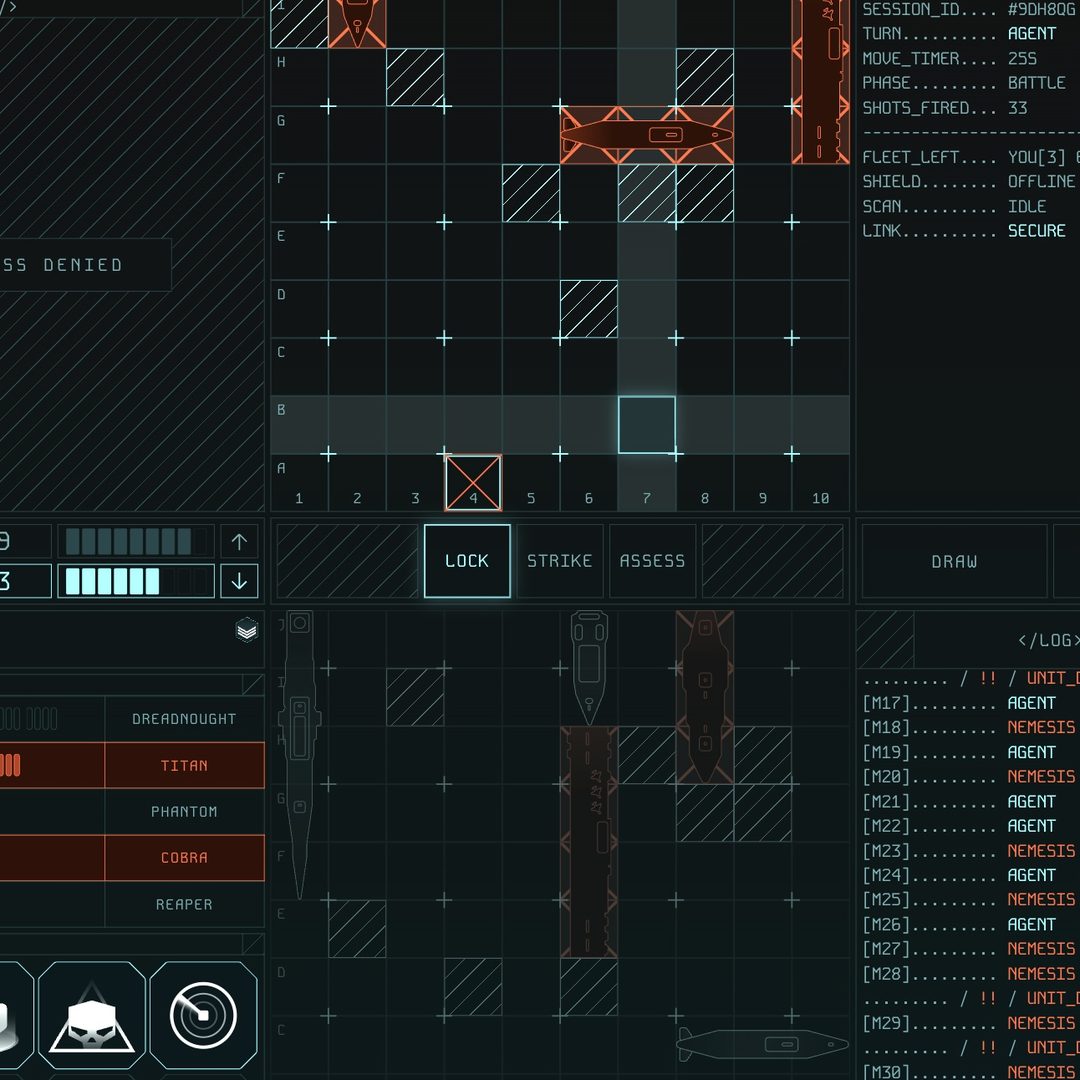
    The battle screen: the target grid with hits marked in orange, the fleet roster, and a combat log.

    The playing phase gets its screen: the boards, a timer panel, rank insignia and the fleet roster.

  19. Ship placement

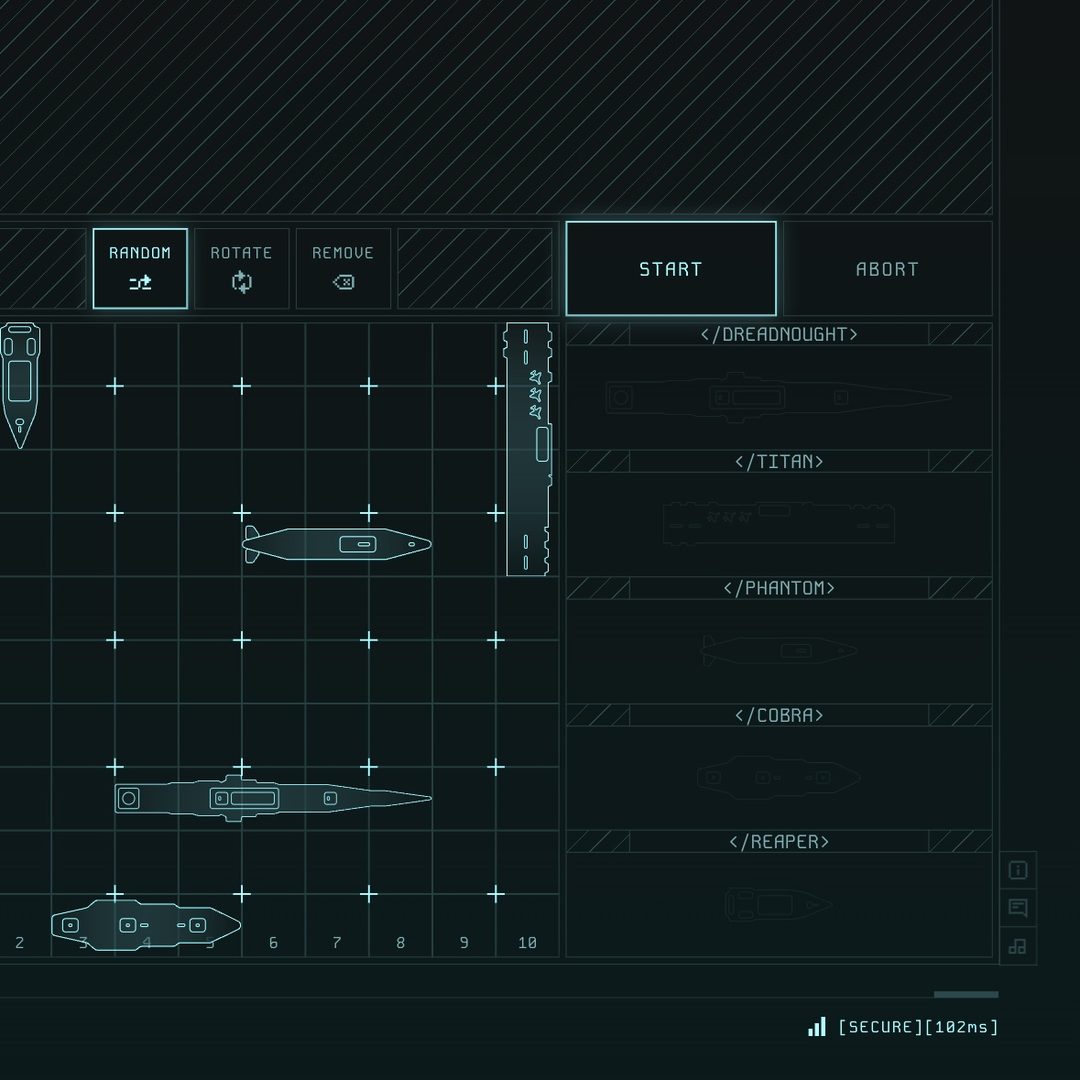
    The placement screen: an empty 10 by 10 grid with ships along its edges, and the five ship slots beside it.

    Built from the Figma design: drag five ships onto a 10×10 grid, rotate them, and mark yourself ready.

  20. The home screen

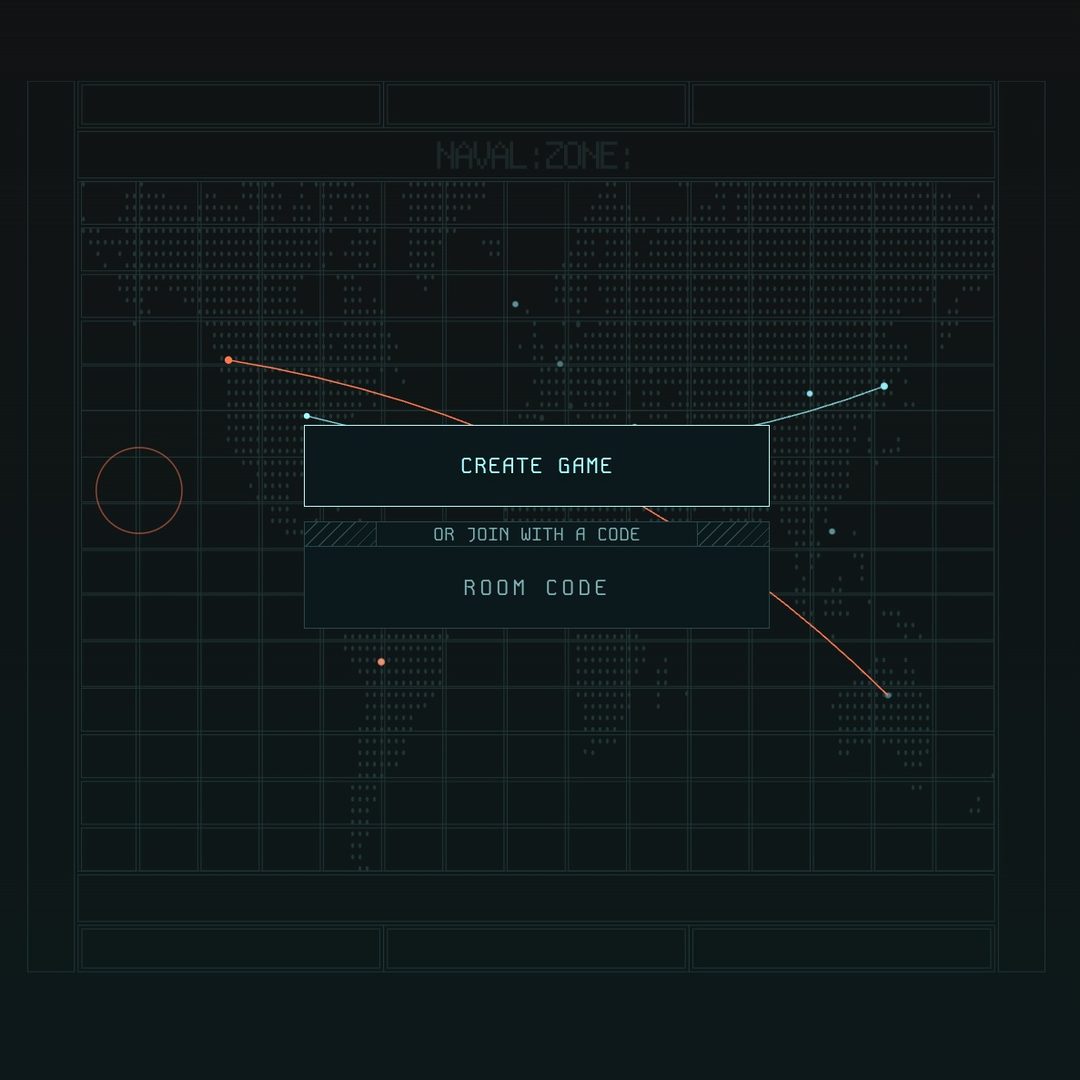
    The home screen: a dark world map with routes drawn across it, a Create Game button and a room code field.

    An animated world map and a boot intro, with one button to create a game and one field to join with a code.

  21. First commit

    The repo starts. A week later it's a React and TypeScript scaffold on top of a design system drawn in Figma.

Read the full write-up, or follow along on X.